Keep your development stack tidy.
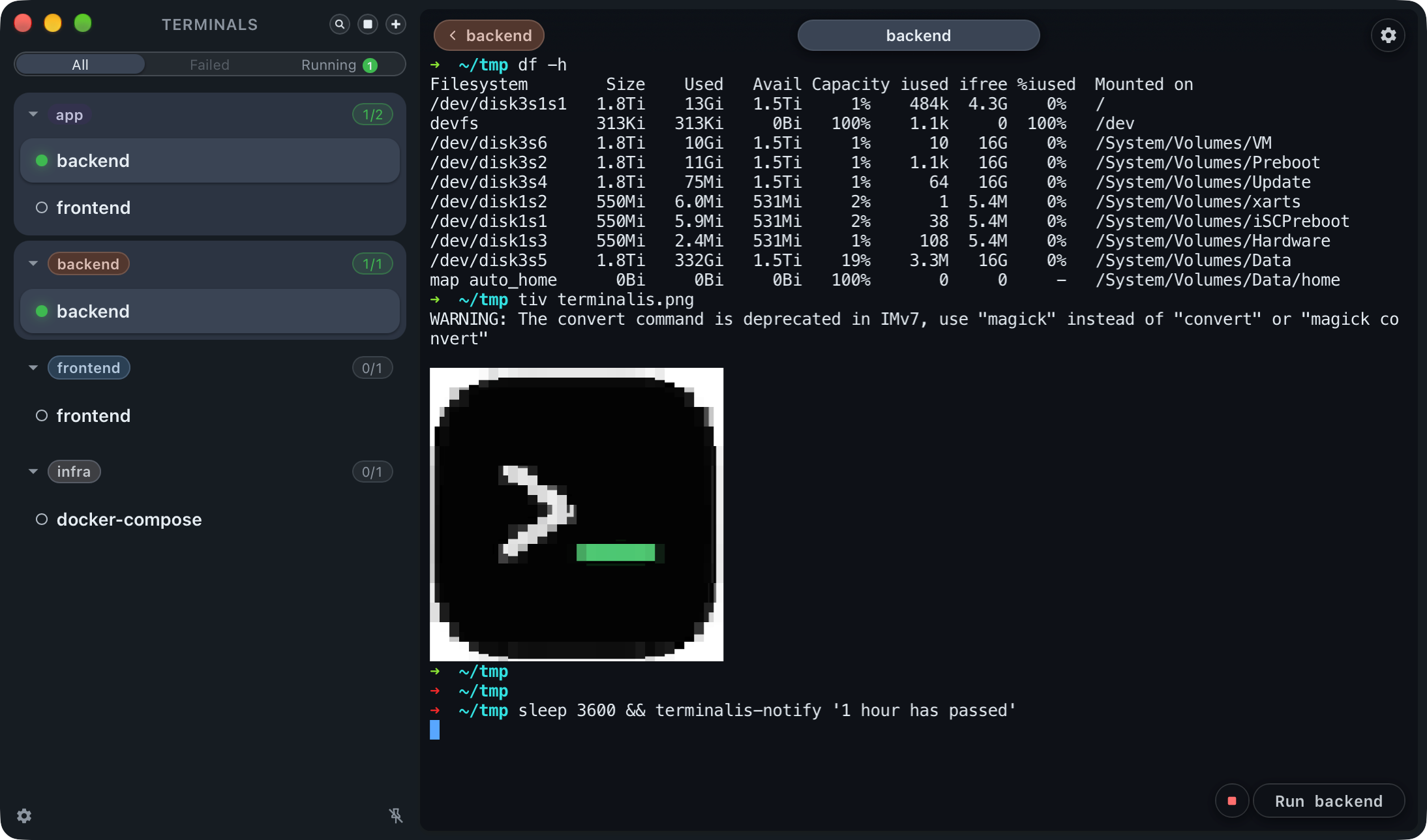
One tab per project or service. Each terminal remembers its working directory, environment, saved commands, and tags—so your whole stack is ready when you are.
Download for MacTerminalis 3.7.0 · macOS for Apple silicon
 DarkLight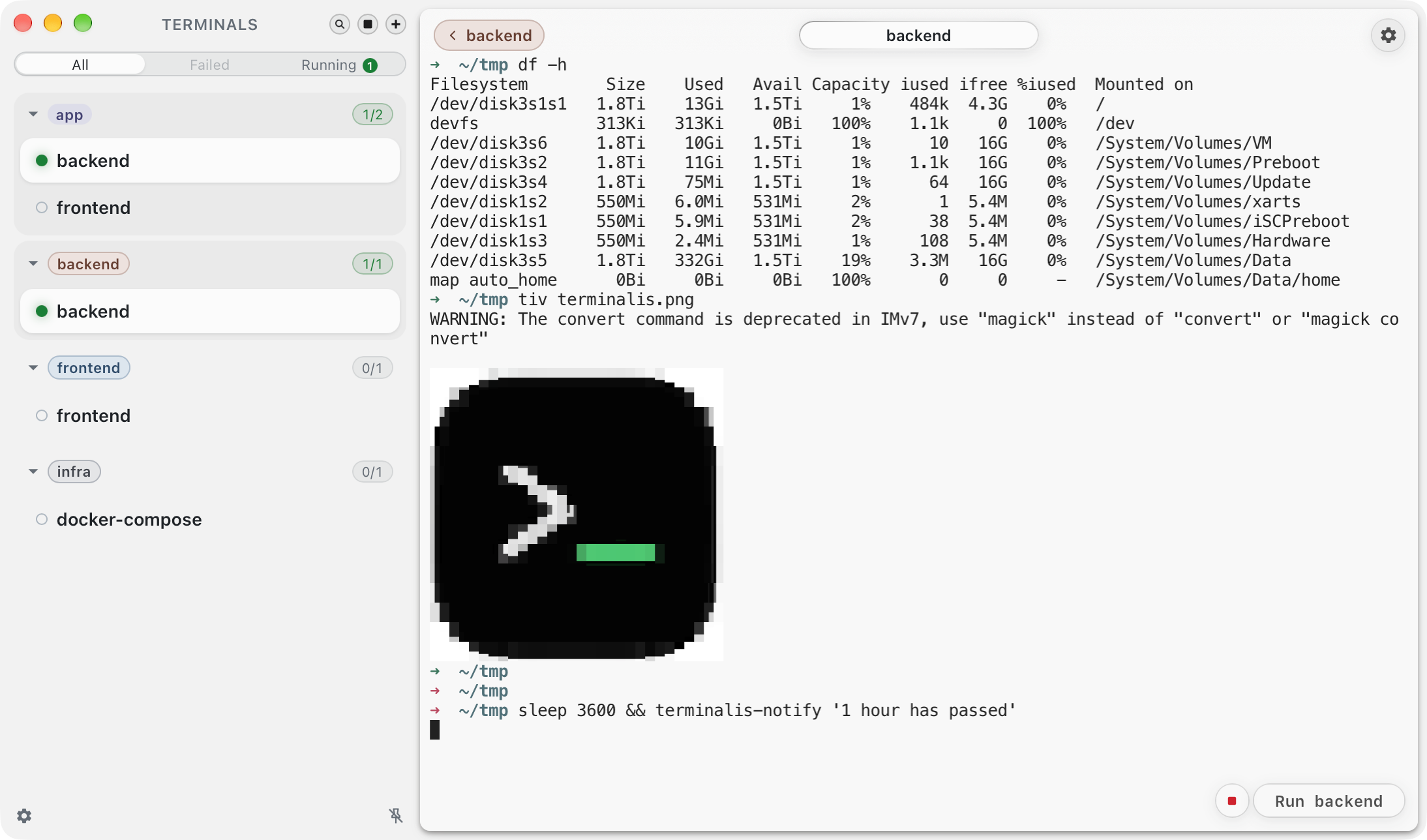
Built for local development
Why Terminalis?
Less time rebuilding terminal context. More time moving your project forward.
One terminal per job
Give every service its own focused terminal, working directory, and environment.
Your commands, ready
Save the commands you reach for most and run them without rebuilding context.
Control stacks by tag
Group related services and start or stop a complete stack in one move.
Status at a glance
See running commands, failures, and coding agents that need your attention.
Notifications that take you there
Jump from a command or coding-agent notification straight to the terminal that sent it.
Export and import setups
Export terminals and tags as .terminalis files, then import them wherever you work.